
For two years, I threw every parental control trick at my kids. Apps, routers, you name it. They still found a way around almost all of it. Then one night I caught my son on TikTok at 2 a.m., right under my nose. That failure sent me back to the drawing board. This is the real, tired‑dad comparison of parental controls vs router that finally bought me some peace. If you’re deep in the screen time battle, our family screen time guide might give you a few new ideas too.
The Night I Found My Son on TikTok at 2 A.M. (A Real-Dad Story)
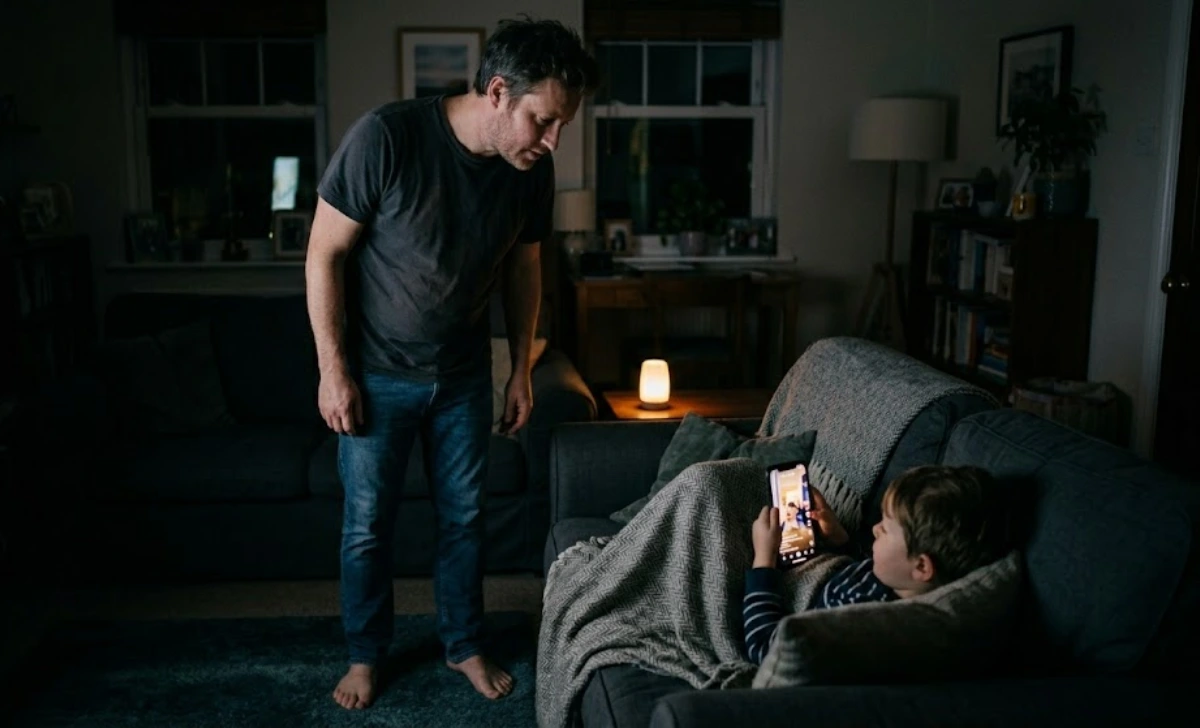
It was a Tuesday. I got up for a glass of water. The house was dark and quiet until I heard a faint laugh. I walked to the living room. My 12-year-old was curled under a blanket. The glow of a phone lit up his face. TikTok.
I thought I had that phone locked down. Google Family Link was active. Screen time limits were on. But he had outsmarted me. He got an old phone from a friend. He factory reset it and installed a free VPN. He learned the trick on the school bus. I stood there, barefoot and tired. I wasn’t angry. I was exhausted. Exhausted from playing whack-a-mole with a kid who had more free time than I had energy.
That moment changed everything. I stopped trusting one single tool. I decided to test parental control apps vs router controls for real. I wanted to know which one a clever kid could beat, and which one a tired dad could actually live with.
Parental Control Apps vs. Router Controls: The Setup Time Smackdown
So what wins for a tired dad? Here is the short answer. For tired dads, router controls win on low-maintenance, hard-to-bypass filtering. But the real set-it-and-forget-it sweet spot is a combo: router-based DNS filtering for the whole house, plus basic device-level screen time limits. You get 90% of the protection with 10% of the hassle.
Let’s talk setup time in real minutes. Apps like Qustodio or Google Family Link need you to install them on every device. That took me 15 minutes per phone or tablet. Then you have to fine-tune app permissions. You set time limits, block categories, and check for updates. It is never one-and-done.
A router approach works differently. I used a Gryphon router. Setup took 12 minutes. I plugged it in, opened the app, and set one set of rules for the whole house. Every device on my Wi-Fi got the same filters. No per-device installations. The router handles bedtimes and content blocking at the network level.
The nag factor is the real difference. With an app, I got weekly alerts. “Your child tried to open a blocked app.” I had to decide what to do each time. With the router, I hear nothing unless I choose to peek at the logs. That silence is gold for a tired dad.
The Bypass Test: Can a Clever Kid Outsmart Parental Control Apps vs. Router Controls?
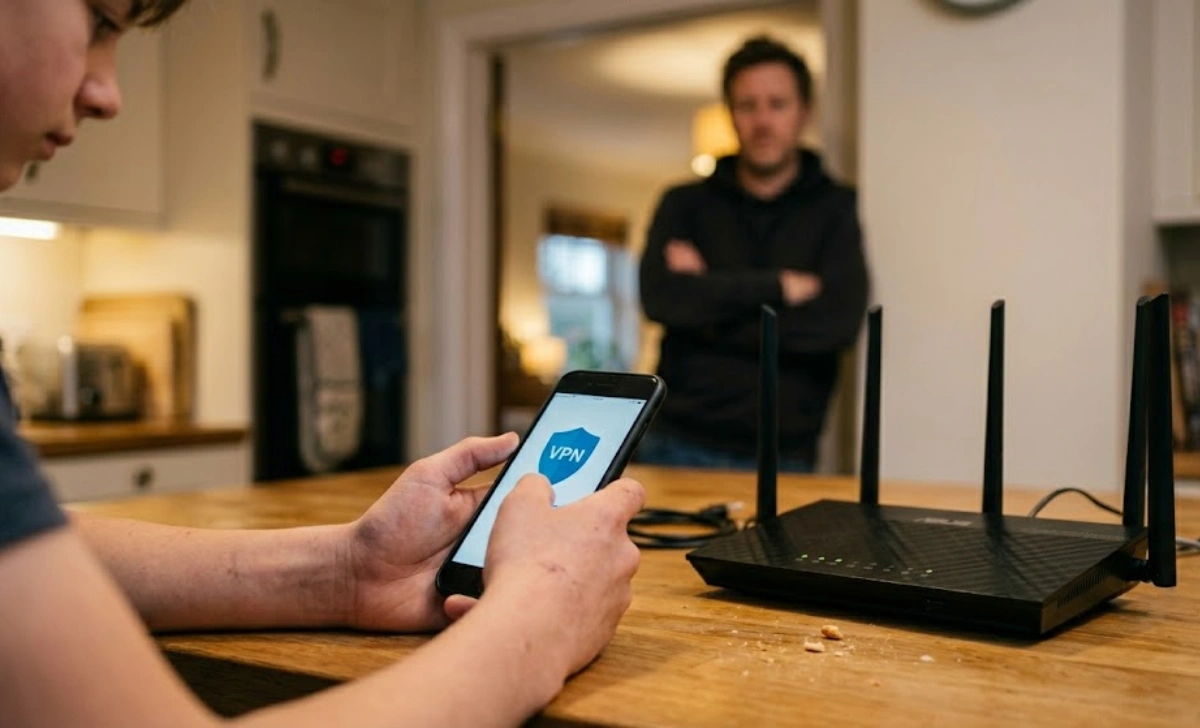
I ran a real test in my own home. I did not tell my kids. I set up a phone with app-only controls and left the home network running router rules. Then I watched.
The app-only test lasted 90 minutes. My 14-year-old downloaded a VPN app he found on a forum. Family Link blocked it at first. Then he removed the supervision account using a simple phone settings trick. After that, he changed the time zone. Screen time limits vanished. He was in. Total time to bypass: an hour and a half.
Then came the router test. I set up content filtering and time schedules through the router. My son tried the same VPN move. The router blocked the VPN’s DNS queries. He could not connect. He reset the phone to factory settings. That did not touch the router rules. The only way around it was using his cell data hotspot. He got online that way. But I had already turned on my carrier’s free family filters. Adult sites were blocked on the data, too. He hit a wall. A durable kids’ tablet with parental controls built in can make this even harder to crack.
Over on r/daddit, a dad wrote, “Screen time limits don’t work for kids!!!” He is right if you only lock down the device. Move the control to the network, and the game changes. You cannot delete the internet connection dad pays for.
I won’t pretend the router is perfect. The hotspot loophole is real. But closing it took me two minutes in my carrier’s app. That is a small trade-off for not chasing app hacks every week.
The “Set-It-and-Forget-It” Quick Fixes (No IT Degree Required)
You do not need a computer science degree. If you have 15 minutes tonight, here is what to do.
First, change your router’s DNS. Use a free family filter like Cloudflare for Families. The address is 1.1.1.3. It blocks malware and adult content in one step. You log into your router, find the DNS settings, and type that number.
Second, use your router’s scheduling feature. Most routers have a way to pause the internet for certain devices. Set it to cut off your kids’ Wi-Fi at bedtime. No extra app needed.
Third, check your internet provider’s app. Comcast, Eero, and others often include basic content filtering. Turn it on. Skip the complex blocklists. Let the network do the work. If you need more help with the basics, our smart home basics guide walks you through everything step by step.
If you still want an app, use Google Family Link only for screen time limits. Do not rely on it to block bad sites. Let the router handle the heavy lifting. And if your current router is a hand-me-down from 2015, check out our guide on the best budget mesh routers for a house full of kids. A good router makes all this easier.
Don’t waste money on overlapping subscriptions. One solid router setup and free phone tools can do most of what a paid app promises.
The Real Cost of Peace: Parental Control Apps vs. Router Controls Over 3 Years
Money matters. App-only costs add up. Qustodio charges about $55 a year for up to five devices. For multiple kids, that is one subscription. Over three years, you pay $165. Some premium apps cost more.
A router has a higher upfront cost but fewer annual fees. I used a Gryphon router for $199. Basic parental controls are included. If you want advanced filters, the subscription is $50 per year. Firewalla is another option with a $300 one-time price and no ongoing cost. Over three years, the router path costs between $200 and $350 total. No per-device fees.
Then there is the hidden cost: my time. Every Sunday, I used to spend 30 minutes checking app reports and tweaking settings. That is 26 hours a year. My hourly rate as a dad is priceless. The router setup cut that to maybe 10 minutes a month. I got my weekends back. This is a lot like the shift I made when I set a network schedule to block my own work apps after 8 p.m. That one change saved my sleep and my sanity.
What I Actually Use Now — And What I’d Tell a Fellow Tired Dad
Here is the stack that works in my house. I have a Gryphon router with age-appropriate filters turned on. For my youngest, I add Apple Screen Time to set daily limits on the iPad. Nothing else. My teenager gets the router’s DNS logging and a real conversation about trust.
No tool replaces talking to your kid. But when I am not the Wi-Fi police, I can just be Dad. The router handles the quiet, consistent boundaries. I handle the dad stuff. That balance took me two years to find. If you’re still building your essential dad tech kit, we have a guide for that, too.
To the dad who posted “Screen time limits don’t work for kids!!!” on r/daddit, I see you. I was that dad. Changing the battlefield from the device to the network was the fix. You can set this up once, drink your coffee while it is still hot, and stop the whack-a-mole with a 13-year-old. When you are ready to build a family network that respects privacy from the start, our guide on building a privacy-first home network before the baby arrives is a good next read. And if you need a refresh on the whole screen time conversation, we wrote a real-talk post on winning the screen time battle without yelling.
Parental control apps vs router controls is not about finding a perfect silver bullet. It is about finding something that works when you are too tired to fight. For us, the router gave us back our evenings. And that is enough.

