
You are standing in the dark hallway. Again. The monitor is showing a gray blur. You can’t tell if that’s your baby crying or just static from a dying connection. And your wife is finally asleep for the first time in three days.
We tested five of the most talked-about baby monitors. Real dads. Real two-story house. Real night shifts. We are not product reviewers in an office. We needed the best baby monitor for dads — one that works at 3 AM, not just in a YouTube unboxing video.
WiFi vs Non-WiFi Baby Monitor: The 60-Second Decision You Need to Make First
Before you look at a single product, answer these two questions.
Do you need to check the baby from work or a different building? If yes, you want WiFi. If no, you probably don’t.
Does your house have more than one floor? If yes, you want a non-WiFi monitor with a strong radio signal.
Here is the simple truth. WiFi monitors send video through your home internet and then to your phone. That sounds great. But if your router hiccups, or the app crashes, you get nothing. Non-WiFi monitors talk directly from the camera to the parent unit. No app. No login. No waiting for a server to load while your baby screams.
A baby monitor is honestly one of the first pieces of smart home for dads tech you will ever buy — and it sets the tone for everything that follows.
Over on r/daddit, one dad put it perfectly. He said his family loves their eufy monitor because it is not on WiFi. He felt it was safer that way, and fewer things could go wrong at 2 AM.
Non-WiFi monitors use something called FHSS or DECT radio. That is a fancy way of saying the signal jumps around between frequencies so it cannot be intercepted. Nobody is hacking your baby monitor if it never touches the internet.
Quick guide: Pick WiFi if you travel for work or need remote access. Pick non-WiFi if you want reliability and zero setup every time. Pick a dual-mode monitor if you want both options in one device.
The Night It All Went Wrong
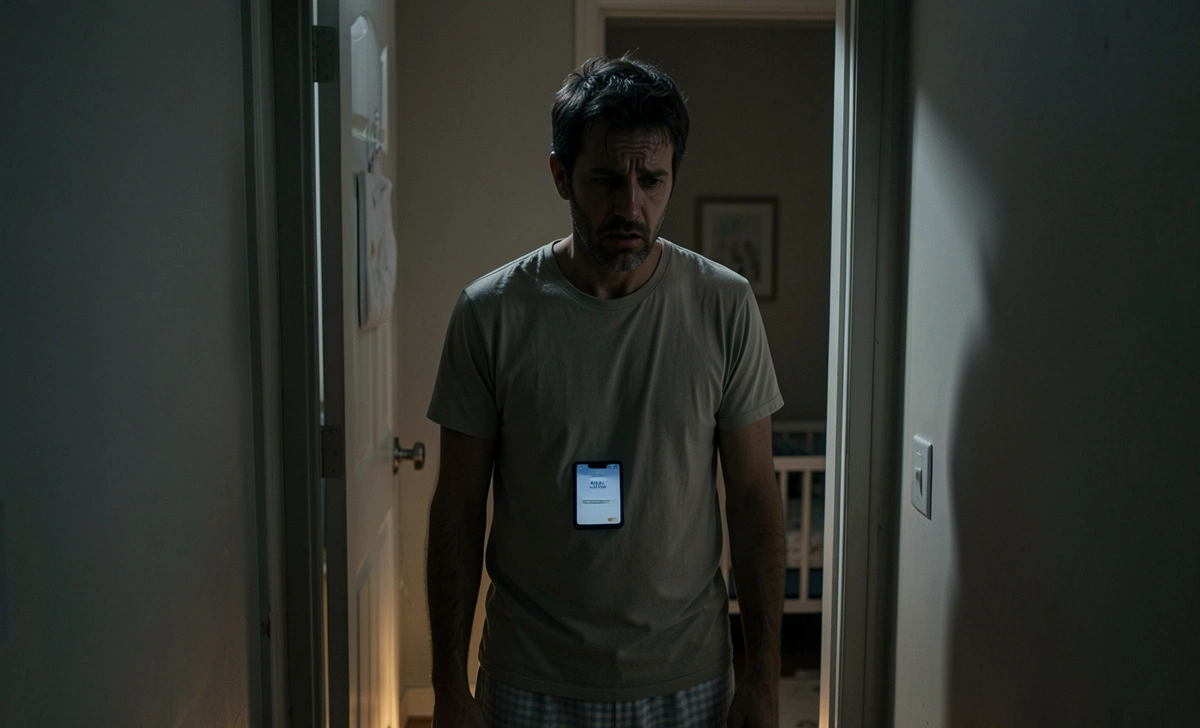
My son was six weeks old. We had a budget WiFi monitor that cost $45 on Amazon. I put him down at 9 PM and went downstairs to eat a meal like a human being.
Around 11 PM, the app on my phone showed “connecting.” Then it showed “offline.” Then it showed nothing.
I ran upstairs. He was fine — just rolling around in his sleep. But I stood over that crib for 45 minutes because I did not trust the monitor anymore. I was exhausted, wired with anxiety, and furious at a $45 piece of plastic.
The next morning, I stopped buying whatever had the most stars on Amazon. I started actually testing monitors.
The 5 Best Baby Monitors for Dads — What I Actually Tested and What I Would Buy Again
These are not affiliate picks pulled from a listicle. We used each one during real night shifts, nap times, and one chaotic weekend with my in-laws.
Infant Optics DXR-8 Pro — $169 Best overall. This is the one I use now.
It is non-WiFi, so it works every single time. The signal held on both floors of our house without dropping once. Night vision is sharp. At midnight with the lights off, I could clearly see my son’s chest rising and falling. Battery lasts around 10 hours on video mode, or 20 hours if you switch to audio only.
The one thing that bugged me: the parent unit screen is 5 inches. Fine, but not huge. If you want a bigger display, look at the next option.
Momcozy BM04 — $180 Best dual-mode monitor. Use it without WiFi at home. Switch to the app when you are traveling or at work.
This is the smartest design we tested in 2026. No subscription fees. The parent unit is 1080p HD. Battery gets about 22 hours in audio mode. We took it to my sister’s house for a weekend. It connected to her WiFi in under two minutes.
One complaint: the app is a little slow to load. Give it 20 seconds before you panic.
Eufy SpaceView Pro E210 — $130 Best value. Non-WiFi, 720p, 5-inch screen, and a 30-hour battery in audio mode. That is longer than most dads sleep in a week.
We tested this through seven walls in a three-story home. It held connection at 190 feet. The night vision is clear and steady. Setup took less than five minutes.
If you are on a tighter budget and do not need WiFi, this is the one.
HelloBaby HB6550 — $67–99 Best for grandparents and travel.
This monitor is simple. You plug in the camera. You turn on the parent unit. It works. No app, no WiFi, no login. The battery lasts around 30 hours in audio mode.
Why does that matter? When grandma is babysitting, the last thing you want is to walk her through WiFi settings over the phone for 40 minutes. You hand her this thing and leave.
More on this in the next section.
Nanit Pro — $299–379 Best for data-loving dads. This one is WiFi only.
Want to track sleep patterns, see breathing rates, and get a full breakdown of your baby’s night? Nanit is the one. The video is 1080p and crystal clear. The app works well.
The downside: some features cost $5–10 per month extra. Over two years, that is $120–240 on top of the purchase price. Just want to see the baby and know they are safe? You do not need this. But if you love data, you will genuinely love this monitor.
What Is the Best Baby Monitor for a Two-Story House? Here Is the Honest Answer
For a two-story house, go with a non-WiFi monitor that uses FHSS or DECT radio. These punch through walls and floors without depending on your home network. The Infant Optics DXR-8 Pro and Babysense MaxView both held signal reliably across two floors. Zero setup required every time.
The big lie in baby monitor marketing is range. Brands print “1,000 feet” on the box. That number comes from an open field test. No walls, no appliances, nothing nearby. That is not your house.
In a real house, expect 150 to 300 feet of true range through walls. That is still plenty for two floors. Large brick home or basement nursery? Do not go cheap on signal strength.
Camera placement matters too. Mount the camera 6 to 8 feet away from the crib, angled down at 30 to 45 degrees. That angle gives you a full view of the crib without pointing the lens straight at the ceiling.
The Grandparents Test: Will They Actually Be Able to Use This?
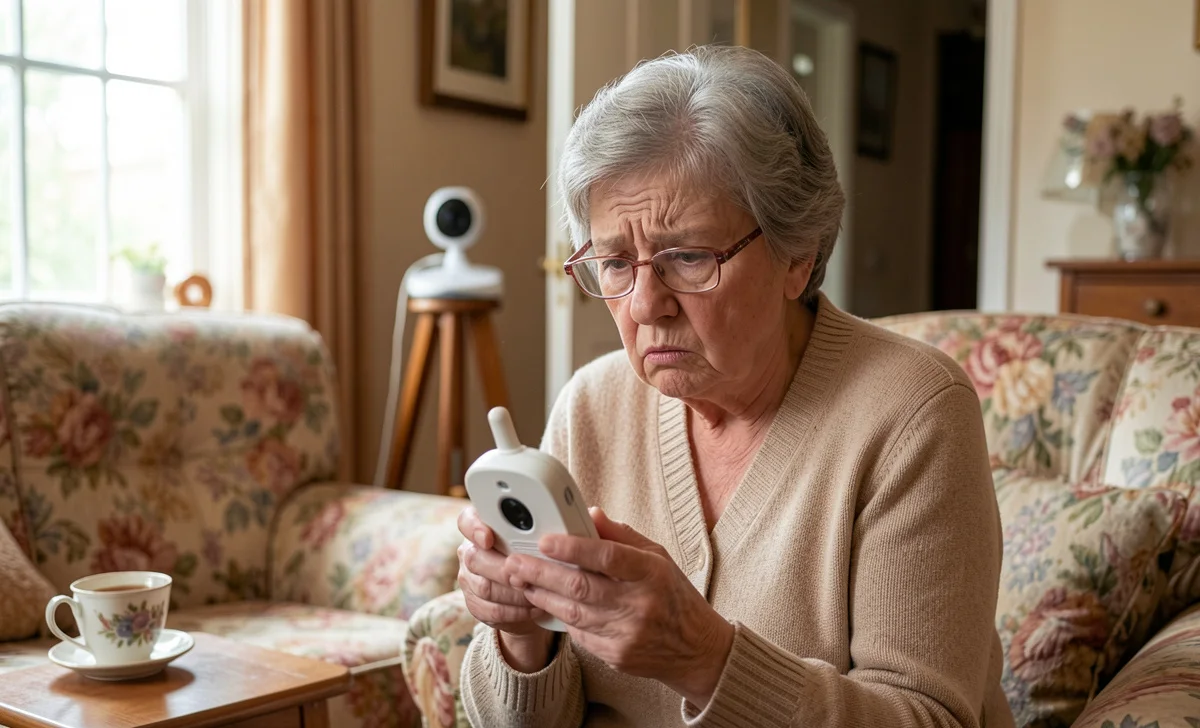
Here is a gap that no other review site talks about. Your parents will babysit. And when they do, you need a monitor they can operate without calling you every five minutes.
We learned this the hard way.
My in-laws came to watch our son for a Saturday night. We had the Nanit Pro set up in the nursery. It worked great for us. But their phones were on an older operating system. The app would not update. Then their home WiFi was 2.4GHz only, and the Nanit connection took 40 minutes to sort out.
We ended up FaceTiming them from the restaurant so they could see the baby on our end. Not ideal.
The HelloBaby HB6550 is the answer for grandparents. You leave it set up. The camera stays in the nursery. The parent unit lives on the kitchen counter. Grandma presses one button and she can see the baby. That is it. There is nothing else to explain.
If you are renting and want to keep your smart home devices renter-friendly, non-WiFi monitors are the easiest win — no drilling, no router settings, no landlord drama.
Need a monitor that travels well? To grandma’s house, a hotel, a family trip? Go non-WiFi. It works anywhere. No network password needed.
5 Things to Check Before You Buy — The Quick Dad Checklist
You do not have time to read 47 spec sheets. Here are the five things that actually matter.
Battery life. Anything under 10 hours of video will die during a long night shift. Look for 20-plus hours in audio mode. You will use audio mode more than you think.
Night vision quality. Test it in a pitch-dark room, not a dim one. If you cannot clearly see your baby’s face, it is not good enough.
Range — cut the claimed number in half. Whatever the box says, cut it in half. That is your real indoor range. Make sure it still covers your house.
Setup time. If it needs an app download, an account, and a firmware update on night one with a newborn — you will hate it. Non-WiFi monitors are ready in under five minutes.
Subscription fees. Add up two years of monthly fees before you commit. The Nanit costs $5–10 per month for full features. That is an extra $240 over two years. If you are okay with that, great. If not, pick a monitor with no ongoing costs.
Bottom Line — The Best Baby Monitor for Dads Who Just Want It to Work
Most dads do not need the fanciest monitor on the market. They need one that connects in five seconds. Shows a clear picture in the dark. Does not crash at 3 AM.
Go non-WiFi if you mostly monitor from inside the house. Go dual-mode if you travel for work. Only go full WiFi if you genuinely want sleep data and are willing to pay for it.
If you only read one line of this article: buy the Infant Optics DXR-8 Pro. It has never let us down. We have used it through ear infections, sleep regressions, and a stomach bug that none of us talk about anymore.

