
My son was seven. We were at a crowded summer fair. I turned around for four seconds to grab two hot dogs. When I looked back, he was gone.
Those next ninety seconds were the worst of my life. He had just walked over to a bounce house thirty feet away. But I didn’t know that yet. My heart was in my throat.
That night I went straight to Google. I searched AirTag vs GPS tracker for child. I was going to fix this. And I was not going to pay a monthly fee to do it.
If you’re a dad who buys into new dad tech and loves a good deal, I get you. I am you. That AirTag at twenty-nine dollars looked perfect. No monthly bill. Works with your iPhone. Done.
Spoiler: I ended up paying the monthly fee anyway. But here’s why — and whether you actually need to.
So Can You Actually Use an AirTag to Track Your Child?
An AirTag can track your child’s backpack, but only when other Apple devices are nearby. It does not use GPS satellites. A dedicated GPS tracker works anywhere with cell coverage, costs $10–15 per month, and gives you real-time location. AirTags are a backup tool. They are not a primary safety device.
Now let me explain what it means for a regular dad.
An AirTag is a small Bluetooth tag. It pings nearby iPhones and reports back to you. In a busy school car park packed with iPhones, it updates often. In a quiet park with three other people? It might not update for an hour.
That gap matters a lot when it is your kid.
AirTag vs GPS Tracker for Kids: The Honest Head-to-Head
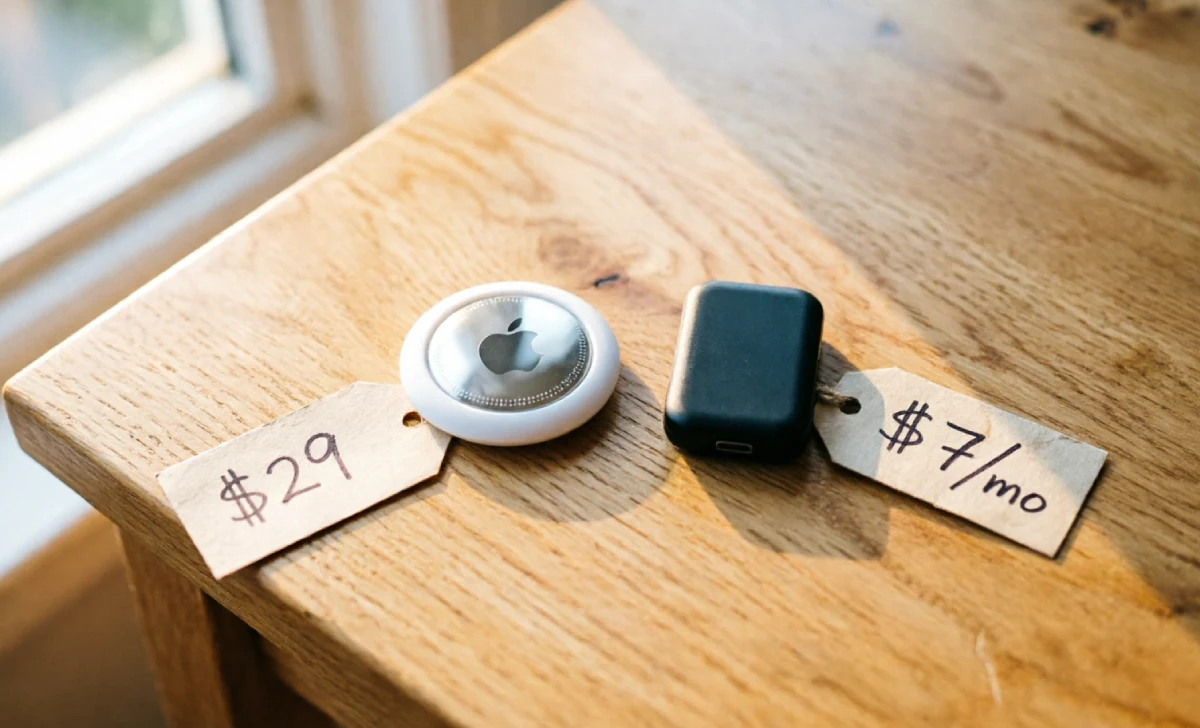
Let’s put them side by side. No marketing fluff. Just what a dad actually cares about.
Real-time location: A GPS tracker updates every 30–60 seconds using cell towers. An AirTag updates only when another Apple device passes nearby. In cities, that is frequent. In suburbs or the countryside, it is not.
Emergency features: GPS trackers built for kids often have an SOS button. Your child presses it when scared. An AirTag has none of that. It tracks a backpack. It does not help your child call for you.
Setup: AirTag wins here. It takes two minutes with an iPhone. GPS trackers take a bit longer to set up and get running.
Two-year cost: This is where it gets very real.
| Device | Upfront Cost | Monthly Fee | 2-Year Total |
|---|---|---|---|
| Apple AirTag | $29 | $0 | $29 |
| Tack GPS Tracker | $60 | ~$7 | $228 |
| TickTalk 5 Watch | $150 | ~$10 | $390 |
| AngelSense (special needs) | ~$0 with plan | ~$65 | $1,560 |
I stared at that AirTag number for a long time. Twenty-nine dollars. No subscription. Of course I wanted it to work.
The Anti-Stalking Feature Nobody Explains to Parents
This part surprised me most. I had no idea about it until my neighbour texted me.
Apple built AirTags with an anti-stalking feature. If an unknown AirTag travels with someone for too long, that person’s iPhone gets an alert. The idea is to stop bad people from secretly tracking others. Smart feature.
But here is the problem for parents.
If your child does not have their own iPhone — and most seven-year-olds don’t — other parents near your kid may get an “unknown AirTag detected” alert on their phones. You could get a call from another dad at football practice asking why his phone is flagging a mystery tracker near his kid.
There is a fix. If your child is in your Apple Family Sharing group, their device will recognise the AirTag as a family item. The alert gets suppressed. But that means your child needs an iPhone or Apple device on them too. Which kind of defeats the whole cheap-and-simple plan.
If your family is fully in the Apple world, this works great. If not, expect some confused looks from other parents.
I Tested Both for 30 Days. Here’s What Actually Happened.
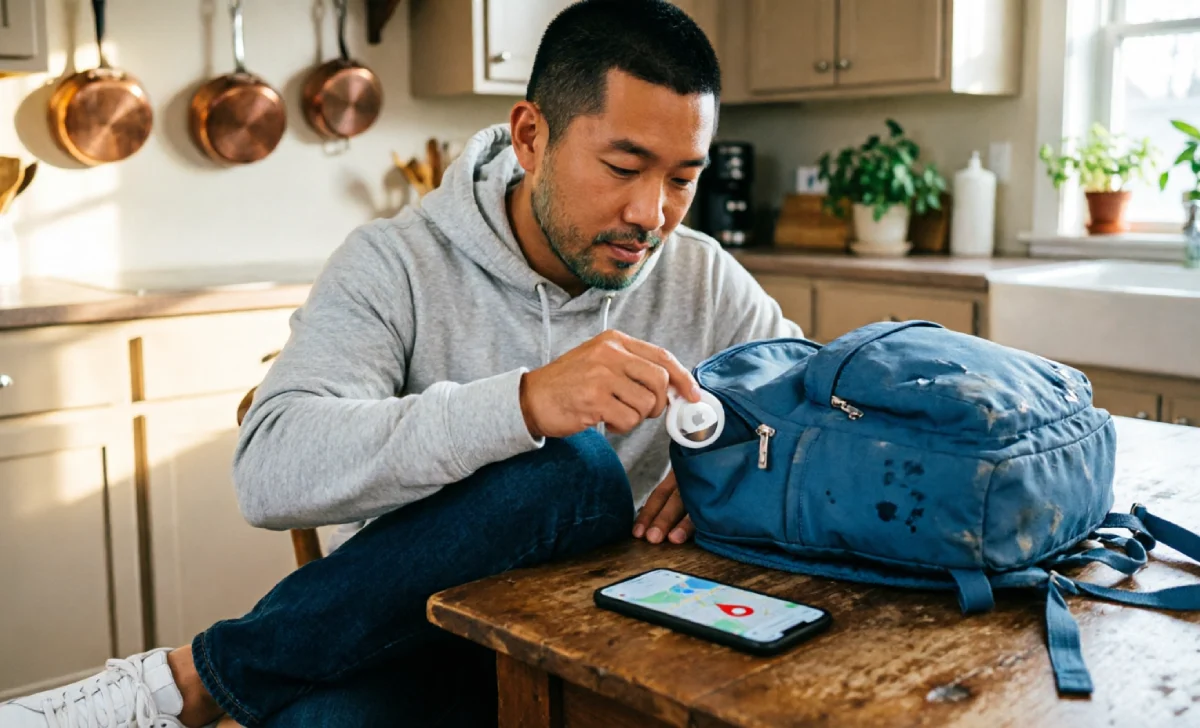
After the fair incident, I bought an AirTag and put it in my son’s backpack. I also borrowed a Tack GPS tracker from my brother-in-law to test both devices side by side — same way we tested baby monitors last year. Real use. Real life. No lab.
I ran three real scenarios over one month.
Scenario 1: School pickup in the suburbs. The AirTag worked fine. Our school area has plenty of iPhones around. I could see his location update every few minutes. The GPS tracker was steadier — updating every 45 seconds — but both felt reliable enough.
Scenario 2: Saturday football at our local park. Again, the AirTag held up. There were enough parents with iPhones on the sidelines. Updates came through every five to ten minutes. Not perfect, but not scary.
Scenario 3: A day trip to a state park, two hours outside the city. This is where things got uncomfortable. We split up — I went to get food, my son went with his uncle toward the hiking trail. I opened Find My to check the AirTag. The last update was forty-seven minutes old. I had no idea if he was still on the trail or had wandered off. The GPS tracker showed his exact spot, updated one minute ago, right where his uncle said they’d be.
That forty-seven minutes changed everything for me.
I’m a numbers guy. I had told myself the $29 AirTag would be enough. But standing at that picnic table with a stale location and no SOS button on my son’s backpack — I felt like an idiot for cutting corners on this one thing.
I bought the Tack GPS subscription that same night. Seven dollars a month.
A Special Note for Dads of Kids Who Wander
If your child has autism, ADHD, or is very young and prone to bolting — stop reading the cost comparison right now. The AirTag is not your answer.
Bluetooth delay is not acceptable when your child could cover a lot of ground in fifteen minutes. You need real-time GPS. You need it to work in a forest, a car park, or a trail with zero iPhones nearby.
AngelSense is the gold standard for this. Yes, it costs more. Yes, the subscription is steep. But it has voice monitoring, instant SOS, and precise real-time tracking built for exactly this situation.
This is the one spot in this article where I will say this clearly: the maths does not matter here. Peace of mind does.
Which One Should You Get? Three Quick Questions
Dads are busy. Here is the whole decision in sixty seconds.
Question 1: Does your child have a wandering risk? Yes → Get a real GPS tracker. The AirTag is not enough.
Question 2: Are you fully in the Apple world and does your kid go to busy, built-up places? Yes to both → AirTag works fine as a backup layer.
Question 3: Do you want your kid to call you or press an SOS button? Yes → Skip the AirTag. Get a GPS watch like the TickTalk 5 or Gabb Watch instead.
If none of those fit your situation, here is the simple rule: the AirTag is a great thing tracker. It finds backpacks, keys, and luggage really well. Your child is not a thing. Treat their safety like it is worth more than twenty-nine dollars.
Bottom Line From a Dad Who Didn’t Want to Pay for a Subscription
Look, I get it. Nobody wants another monthly charge. We are all trying to cut back and stop paying for stuff we never use.
If you want to go further with keeping tabs on kids through tech — screen time, app controls, location — that article will show you the full picture. But for now, here is where I landed on trackers.
The AirTag is fine for most dads with young kids in busy suburban or city areas — as a backup layer on top of staying close. It is not a standalone safety device. It does not replace being present.
If you are in the Apple world, your kid is 6 or older, and you mostly go to iPhone-dense places — try the AirTag first. It is honestly impressive for twenty-nine dollars. Just know exactly what it can and cannot do.
If you are in any other situation — rural areas, a child with a wandering risk, or you just need real-time peace of mind — pay the seven dollars a month. That is one less takeaway coffee.

