
My daughter walked two blocks to her friend’s house last fall. Two blocks. And I spent the next 20 minutes staring at my phone like it owed me something.
She’s nine. She’s not ready for a GPS tracker for kids or a phone. But that afternoon, I knew I needed something. Some way to know she got there safe.
That’s how I ended up testing the best kids smartwatch with GPS and calling in 2026. Three weeks. Two watches. One kid who had opinions about both.
So Which One Is the Best Kids’ Smartwatch with GPS and Calling in 2026?
The Garmin Bounce 2 wins for GPS accuracy and durability — especially if your kid swims. The TickTalk 5 wins for video calling and battery life. Both block social media and the internet. Your call comes down to one question: does your kid get in the pool?
That’s the short answer. But you’re about to spend $150 to $300 plus a monthly plan. So let’s go deeper.
What You’re Getting And What It’ll Actually Cost You
Let’s talk money first. Because the sticker price is never the real number.
| Garmin Bounce 2 | TickTalk 5 | |
|---|---|---|
| Price | $299.99 | ~$149.99 |
| Monthly plan | $8.33/mo (billed $99.99/yr) | ~$9.99/mo |
| Year-one total | ~$400 | ~$270 |
| Calling | Two-way voice | Voice + video |
| Water rating | 5 ATM (swim-proof) | IP67 (splash only) |
| GPS type | Garmin multi-band GPS | AI SmartPin GPS |
| Battery life | Up to 4 days | Up to 2 days |
| Best for | Active/outdoorsy kids | Communication-focused kids |
The Garmin looks more expensive upfront. But the plan is $99.99 a year — just $8.33 a month. The TickTalk runs about $9.99 a month with no annual deal. So year one, the Garmin costs more. Year two and beyond? They’re nearly the same.
One big thing: the Garmin Bounce 2 has no camera. No video calling. The TickTalk 5 has both. If your kid wants to see grandma’s face on a call, that’s a dealbreaker right there.
Neither watch has social media. Neither has a browser. Both only connect to contacts you approve. That’s the whole point.
Quick answer: Can you use a kids’ smartwatch without a data plan? You can use some features over Wi-Fi. But GPS tracking and calling both need an active cellular plan on either watch.
I Ran the “Lost Kid” GPS Test. Here’s What Actually Happened.
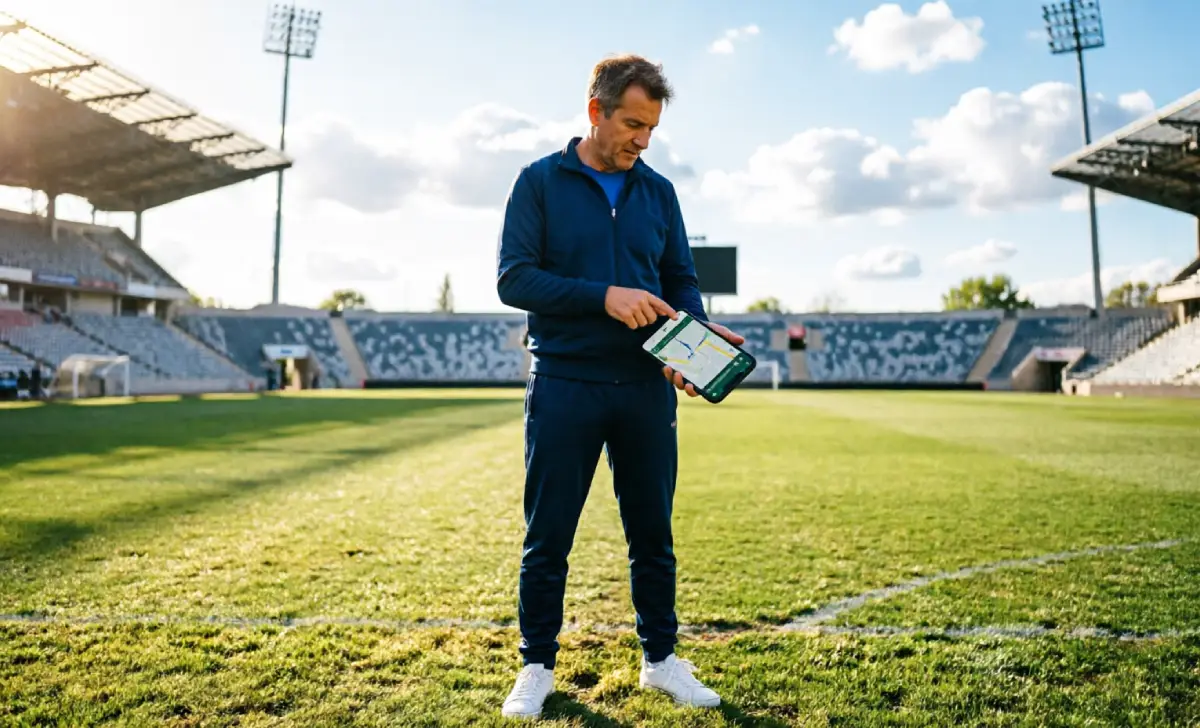
I needed to know how fast these watches find a kid. Not in a lab. In real life.
So one Saturday morning, I took both watches to my daughter’s soccer complex. Big place. Twelve fields. Around 400 people walking around. Lots of kids in the same blue jerseys.
I turned Wi-Fi off on my phone. That forces the apps to use only cellular and GPS. I told my daughter to walk to the far end of the complex and wait. Then I opened both apps and hit refresh.
The Garmin Bounce 2 updated in about 22 seconds. The pin landed within 30 feet of where she stood. On a crowded outdoor field. I was genuinely impressed.
The TickTalk 5 took about 45 seconds. The pin landed around 80 feet off. Usable. But the gap was real.
I hit refresh on the TickTalk app. The dot showed my daughter in the parking lot. She was on Field 7. My heart did a thing. Then it updated. Found her. But those 45 seconds felt very long.
I ran the same test inside her school on a Tuesday afternoon. That’s where both watches struggled. Indoor GPS is hard for everyone. The Bounce 2 placed her within 60 feet. The TickTalk put her one building over.
For outdoor use — parks, school walks, sports — both work well. The Garmin is faster and sharper. The TickTalk is close enough for most families. Just don’t expect either to be a live video feed. Both update every 30 to 60 seconds.
Can It Survive Recess? Durability and the “Will My Kid Actually Wear It” Factor
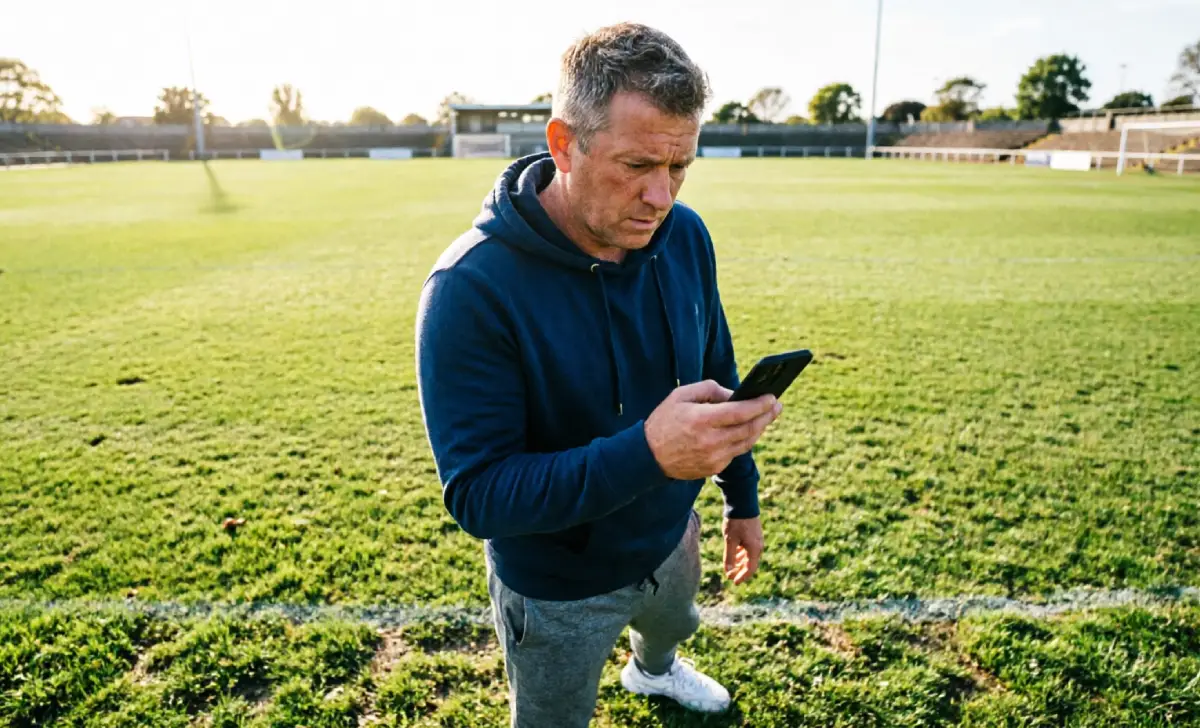
My daughter is nine. She has lost three water bottles this year. She sat on her sunglasses. She once left her shoes at a birthday party. So durability isn’t a nice-to-have.
The Garmin Bounce 2 is 5 ATM rated. It can go in the pool. It handles rain, splashing, and sweaty Saturday practices without any issues. The case feels tough. Solid. Like it can take a hit.
The TickTalk 5 is IP67 rated. It handles splashes and brief water contact. But it cannot go underwater. If your kid swims — even just at the pool on weekends — this is a hard no. This is honestly one of the most important differences between the two.
Now for the part no review ever covers: will your kid actually wear it?
The Garmin Bounce 2 has a round face. It looks like a real watch. My daughter put it on and didn’t say a word about it. Her friend asked what it was. That felt like a win to me.
The TickTalk 5 is rectangular. A bit chunkier. It looks more like a toy than a watch. My daughter wore it fine. But when I asked which one she liked better, she said the Garmin “looked cooler.”
A watch your kid refuses to wear is just a $300 bracelet. That matters.
Quick answer: What age is appropriate for a smartwatch? Most dads we talked to find the sweet spot is 7 to 11. Old enough to handle it. Young enough that they don’t need a full phone yet.
Parental Controls: No Social Media, No Browser — But How Much Can You Lock Down?
This is the section I actually needed before I bought either one.
The Garmin Jr. app is clean. Simple. You add approved contacts. You draw geofences on a map. You set school mode so the watch goes quiet during class. Setup took me about 15 minutes the night before the new school year. No firmware updates. No QR codes that wouldn’t scan. It just worked.
For families already thinking about managing screen time across devices, the Garmin Jr. app fits that mindset well. You stay in control. Your kid gets independence. It’s a clean trade.
School mode on the Bounce 2 is solid. During school hours, the watch shows the time and that’s it. No games. No incoming calls. No distractions. My daughter’s teacher actually brought it up at pickup. She liked it.
The TickTalk app has more features. More options to configure. That’s a good thing and a harder thing at the same time. More control, sure — but setup took me closer to 30 minutes. On a weeknight after the kids were in bed. Not my finest hour.
Both apps block the internet entirely. No browser. No social media. No rabbit holes. That’s the whole deal. And both watches deliver on it.
One honest note: both apps need your phone notifications fully switched on. I put mine on Do Not Disturb one afternoon and missed a geofence alert. That was on me. But it’s worth knowing before you set this up.
Five Things to Know Before You Buy Either Watch
We’ve covered a lot. Here’s what we wish someone had told us first:
- If your kid swims, get the Garmin Bounce 2. Full stop. The TickTalk 5 will not survive the pool.
- The Garmin plan is cheaper than it looks. $99.99 a year is $8.33 a month. Not as scary when you break it down.
- Set up geofences the night before. Don’t do it on the morning your kid walks to school for the first time. Do it calmly the night before.
- Turn your notifications all the way on. Both apps need them to send you alerts. Check this before you hand the watch over.
- Ask your kid which one looks cooler. Seriously. A watch they won’t wear helps nobody.
The Bottom Line: Which Watch Is Right for Your Kid?
Get the Garmin Bounce 2 if your kid is active, swims, or spends a lot of time outdoors. The GPS is faster. The build is tougher. It looks like something a kid will still want to wear at eleven. It costs more upfront. But it’s the better long-term watch for an outdoorsy kid.
Get the TickTalk 5 if staying connected is the priority. Video calls to grandma. Two-day battery that won’t die by Wednesday. A lower upfront cost. If swimming isn’t in the picture, this is a solid choice that does everything most families need.
Either way, you’re making the right move. You’re giving your kid a little room to grow. And if you’re still figuring out the bigger picture of kids and screen time, both watches are a much better starting point than handing over a smartphone.

