
It was 11:07pm on a Tuesday. I got up from the couch, walked to the thermostat, and moved it from 74° back down to 68°. Then I went to bed. By morning, it was back at 72°. I didn’t say anything. Neither did my wife. We’d been doing this dance for three years.
If that sounds familiar, keep reading. Because I finally fixed it — and I have the lower electric bill to prove it.
The best smart thermostat for saving money as a family isn’t just about energy bills. It’s about ending the argument with data instead of a passive-aggressive thermostat reset at midnight. If you’re just getting started with smart home setup, this is honestly the best first upgrade to make.
My thermostat was set to 74°. I changed it to 68°. Repeat every night for three years.
My wife runs hot. I run cold. Our kids somehow manage both at the same time.
Our house is about 2,100 square feet. We have a 2003 build, two zones, and a utility bill that made me wince every time it came in. I knew the thermostat wars weren’t helping. But I didn’t have proof.
That changed last January. Our electric bill came in at $218. It was a cold month but nothing crazy. I sat at the kitchen table, stared at that number, and thought — there has to be a smarter way to do this.
So I did what any financially-annoyed dad does. I bought a smart thermostat. Then I bought another one. I tested both for 30 days each. I tracked the bills. And I finally had something better than an opinion. I had numbers.
Can the best smart thermostat for saving money actually lower your family’s bill?
Yes — but the real number is less dramatic than the ads suggest. ENERGY STAR-certified smart thermostats save most families about 8–12% on heating and cooling. That works out to roughly $50–$200 per year depending on your home size and how bad your current habits are.
Let me break that down. If your heating and cooling bill runs $150 a month, that’s $1,800 a year. Eight percent of that is $144. That’s not nothing. That’s a tank of gas plus a nice dinner.
Nest says their users save around $140 a year on average. Ecobee claims up to 26% savings for some customers. Those are the rosy numbers. Real life usually lands somewhere in the middle.
Here’s the honest truth: a smart thermostat won’t cut your bill in half. But it will stop you from heating an empty house all day. It will stop the “who left the AC blasting at 65° all night” situations. And it gives you something to point to when the conversation starts. That last part is worth more than we admit.
Ecobee vs Nest vs the $80 Amazon one — what a dad with a budget actually needs to know
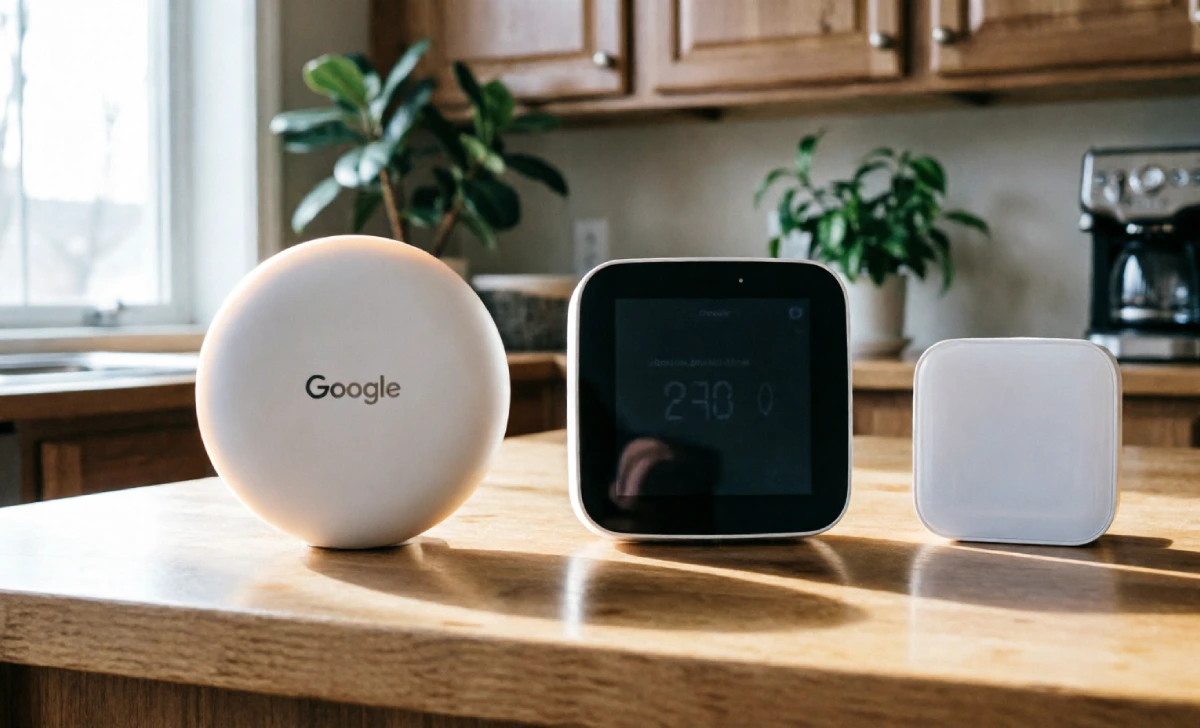
You’ve got three real choices here. Let me make this fast.
Ecobee Smart Thermostat Premium (~$250) This is the best overall pick for most families. It comes with room sensors so it reads the temperature in multiple rooms, not just by the hallway where you mounted it. It also includes a Power Extender Kit in the box — which matters a lot if your older home doesn’t have a C-wire (more on that in a second). It works with Alexa, Google, and Apple HomeKit. The app is clean and gives you a real energy report every month. If you already have a smart speaker at home, Ecobee plugs right into that setup.
Google Nest Learning Thermostat Gen 4 (~$280) This one learns your schedule after about a week. You don’t have to program anything — it figures out when you leave, when you come home, and when the kids won’t stop arguing about it. It’s the sleekest-looking option and the app is excellent. The catch is the C-wire situation in older homes can be hit or miss, even with Google’s Power Connector add-on.
Amazon Smart Thermostat (~$80) Don’t sleep on this one. It’s built by Honeywell, not some off-brand outfit. It won’t learn your schedule on its own, but you can set a program easily in the app. You’ll need a $25 C-wire adapter if your home doesn’t have one, but even then you’re all-in for about $105. Hard to beat.
Quick verdict:
- Best features, older home → Ecobee
- Best learner, clean install → Nest Gen 4
- Tight budget → Amazon Smart Thermostat
Got an older home with no C-wire? Don’t panic — here’s what to check before you buy anything
This is the part nobody tells you upfront. About half of older homes — anything built before the mid-2000s — don’t have a C-wire. The C-wire is just the power supply wire for your thermostat. Without it, some smart thermostats won’t work right. They’ll drop the Wi-Fi. They’ll cycle your furnace strangely. It’s annoying.
Here’s what to do before you buy anything.
Go to your thermostat. Turn off your HVAC at the breaker. Take the thermostat face off the wall. Take a photo of all the wires and which terminals they’re plugged into. That photo will save you a lot of trouble.
Count the wires. If you see a wire in the terminal labeled “C,” you’re good. Buy whatever you want.
If there’s no C-wire, here’s the fix depending on which thermostat you pick:
- Ecobee: Use the Power Extender Kit that comes in the box. It installs inside your furnace. Takes about 20 minutes. No electrician needed.
- Amazon Smart Thermostat: Buy the $25 C-wire adapter separately. Clips in at the furnace. Simple.
- Nest Gen 4: Try the Nest Power Connector first. It works in most homes. Some older systems are finicky with it — read the reviews for your specific HVAC model before committing.
If you’ve got an old boiler system with just two wires, look at the Sensi Smart Thermostat. It runs on AA batteries and doesn’t need a C-wire at all. That’s your move. And while you’re upgrading your home setup, it’s worth checking out the best home security systems for families too — same level of easy DIY install.
My 30-day test: which smart thermostat actually saved the most money for a family of four

Okay. Here’s what I actually found.
I ran the Nest Learning Thermostat for the first 30 days. January into early February. That month’s bill came in at $189. Our previous January bill had been $218. That’s a $29 drop — about 13% — in one of the coldest months of the year. Not bad at all.
Then I switched to the Ecobee with the room sensors placed in the main bedroom and the living room. Late February into March. That bill came in at $161. Down another $28 from the Nest month. Some of that was the warmer weather. But the Ecobee’s room sensors made a difference too. Our bedroom runs warmer than the rest of the house. The sensor caught that and adjusted. The hallway thermostat was lying to us the whole time.
Total savings compared to the same two months the previous year: $71 over 60 days. That’s about $426 over a full year if you extrapolate it out. Right in the middle of what the manufacturers promise.
My wife looked at the February bill and said, “Okay, I’ll stop touching it.” That was the real victory.
5 things to do the day you install it (so it actually saves you money)
A lot of dads install the thermostat and then just… wait for savings to appear. Don’t do that. Do these five things the same day.
1. Set a real away temperature. Don’t leave it on auto and hope. If nobody’s home from 8am to 3pm, set it to 62° in winter and 78° in summer. The app makes this easy.
2. Turn on geofencing. This uses your phone’s location to know when you’ve left and when you’re heading back. It adjusts automatically. Set it and forget it.
3. Check for utility rebates before you even buy. Many energy companies offer $50 to $100 back on smart thermostats. Ecobee has a tool on their site where you enter your zip code and it shows you current rebates. Check before you checkout.
4. Give it two weeks before you judge it. The learning thermostats — Nest especially — need about 7 to 10 days to figure out your schedule. Don’t mess with it constantly during that stretch. Let it do its job.
5. Show your family the energy report. Every smart thermostat has a monthly report in the app. Pull it up at the kitchen table. Let the numbers do the talking. It’s a lot harder to argue with a graph than with you.
So — which one should you actually buy?
Older home with no C-wire: get the Ecobee. The Power Extender Kit is in the box. You don’t have to buy anything extra. It’s the most painless install for an older setup.
Budget is tight: get the Amazon Smart Thermostat. Grab the C-wire adapter if you need it. You’re in for under $110 and the savings are real.
You want the best and you’re okay spending more: get the Nest Gen 4. It’s the most polished experience. The learning feature is genuinely impressive after the first week.
All three will save you money. All three are a DIY install on a Saturday morning. None of them require a professional. While you’re at it, a robot vacuum for families is another set-it-and-forget-it upgrade that pays for itself fast.
The best part isn’t the bill. It’s that the app makes the decisions now — not you. Set it up, let it run, and show your family the savings report in 30 days. You’re not the bad guy anymore.

